
Choose the refill workflow that best matches your team size, product range and stock routine.
Quick Restock
Fast refill workflow for smaller teams and frequent machine top-ups.
One-Click Restock
System-assisted refill quantities for stable ranges and repeat stock routines.
Restock Order Refill
ontrolled refill workflow for larger teams and multi-machine stock planning.
Control Team Access
Add team members and assign access based on how each person helps manage your vending operation.
Restocker
Operator
Finance User
Data Viewer
Admin
Permissions can be set for product control, order management, finance, complaints, abnormal orders and device activation.
In-App Management Questions
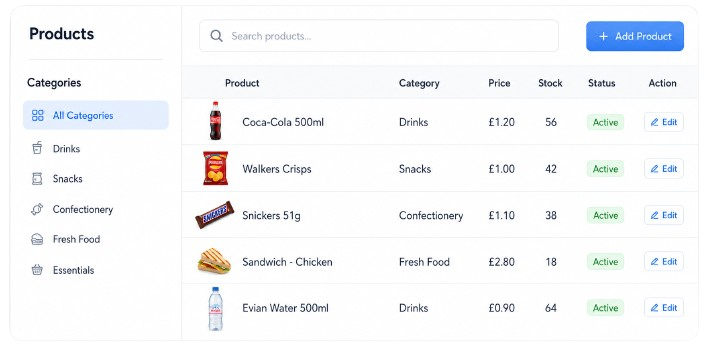
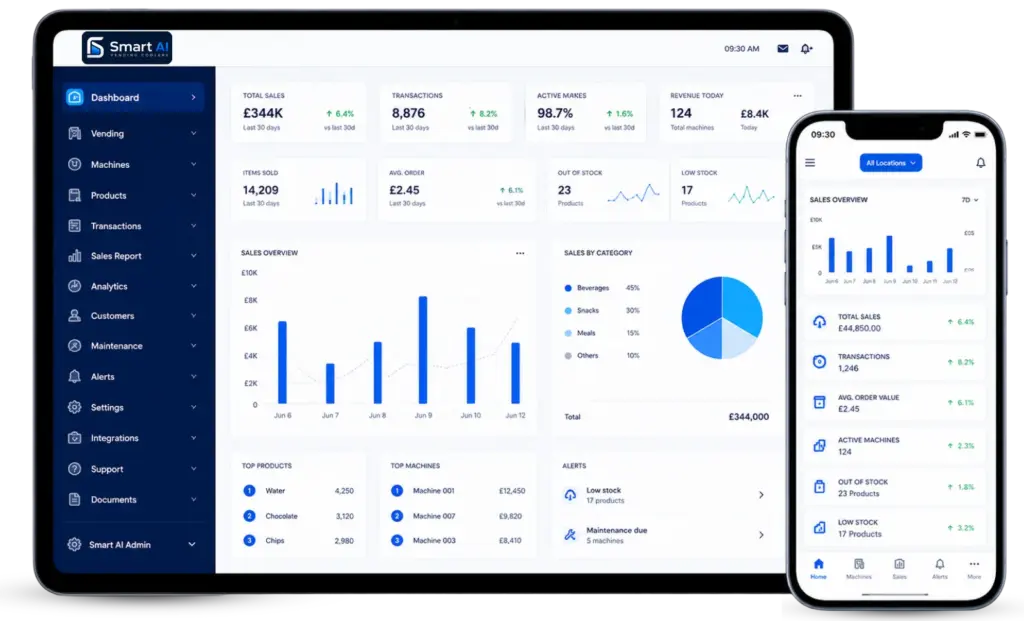
Find quick answers about managing products, prices, stock, orders and team access through the app and backend. See what can be controlled before setup.
How do I add a new product?
Products can be imported from an existing product library or submitted as new products. New-product applications may require product information and images before the item is approved for recognition and sale.
Can I see current stock levels remotely?
Yes. Product-level inventory can be monitored by machine, helping you understand what needs replenishing before travelling to the site.
Can I receive low-stock alerts?
Yes, on compatible HAHA systems. Alerts can be configured using either a remaining-stock percentage or a specific remaining quantity.
Can I monitor sales remotely?
Yes. Operators can review sales statistics, orders and machine-specific activity through supported management tools.
Can different members of my team have different permissions?
Yes. Available roles can include administrator, operations, finance, data-viewing and replenishment users, allowing access to be matched to responsibilities.
Need Help With App Setup?
Speak to the team about managing products, prices, stock, orders and user access through the smart vending app.