





Description
Build a coffee menu around your location
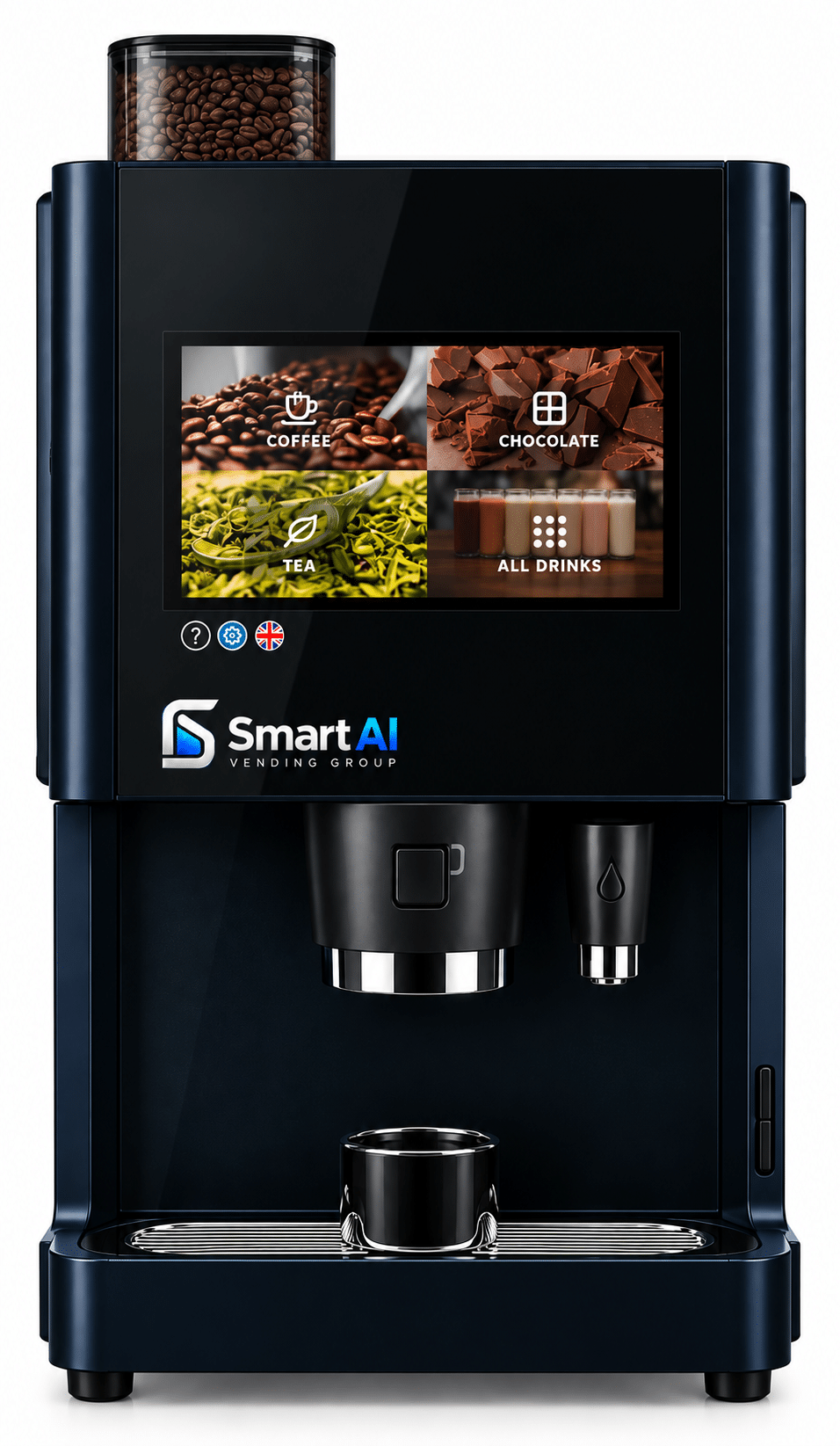
Build a touchscreen coffee menu around the people using your location. Coffetek Vitro Series 3 offers Espresso, Double Bean and Duo configurations, with a 13-inch interface and a specified cashless and telemetry package.
The initial configuration described below is Coffetek Vitro Series 3 Espresso Coffee Machine. Vitro Series 3 Espresso is the newer touchscreen family, not the older X3 Espresso. The manufacturer specification includes a 13-inch interface and a single-bean espresso configuration, with soluble ingredients for the rest of the agreed menu.
Key features
- Freshly ground coffee for an espresso-based drinks menu.
- 13-inch touchscreen in the Series 3 manufacturer specification.
- Proposed cashless checkout with a specified compatible terminal.
- Telemetry hardware and service activation included only as agreed.
Choose your configuration
- Espresso: a single-bean espresso configuration with soluble ingredients for the rest of the menu.
- Double Bean: two bean choices for a more varied coffee offer.
- Duo: espresso coffee and fresh-brew tea. Duo does not mean a second coffee bean.
Each listed configuration has its own published price and included components. Confirm the full specification and payment package before ordering.
Choosing the right location
Consider standard Series 3 when the newer interface is useful but the taller Max ingredient format is not needed. Select recipes and cup sizes before commissioning the cashless setup.
Plan the complete coffee point
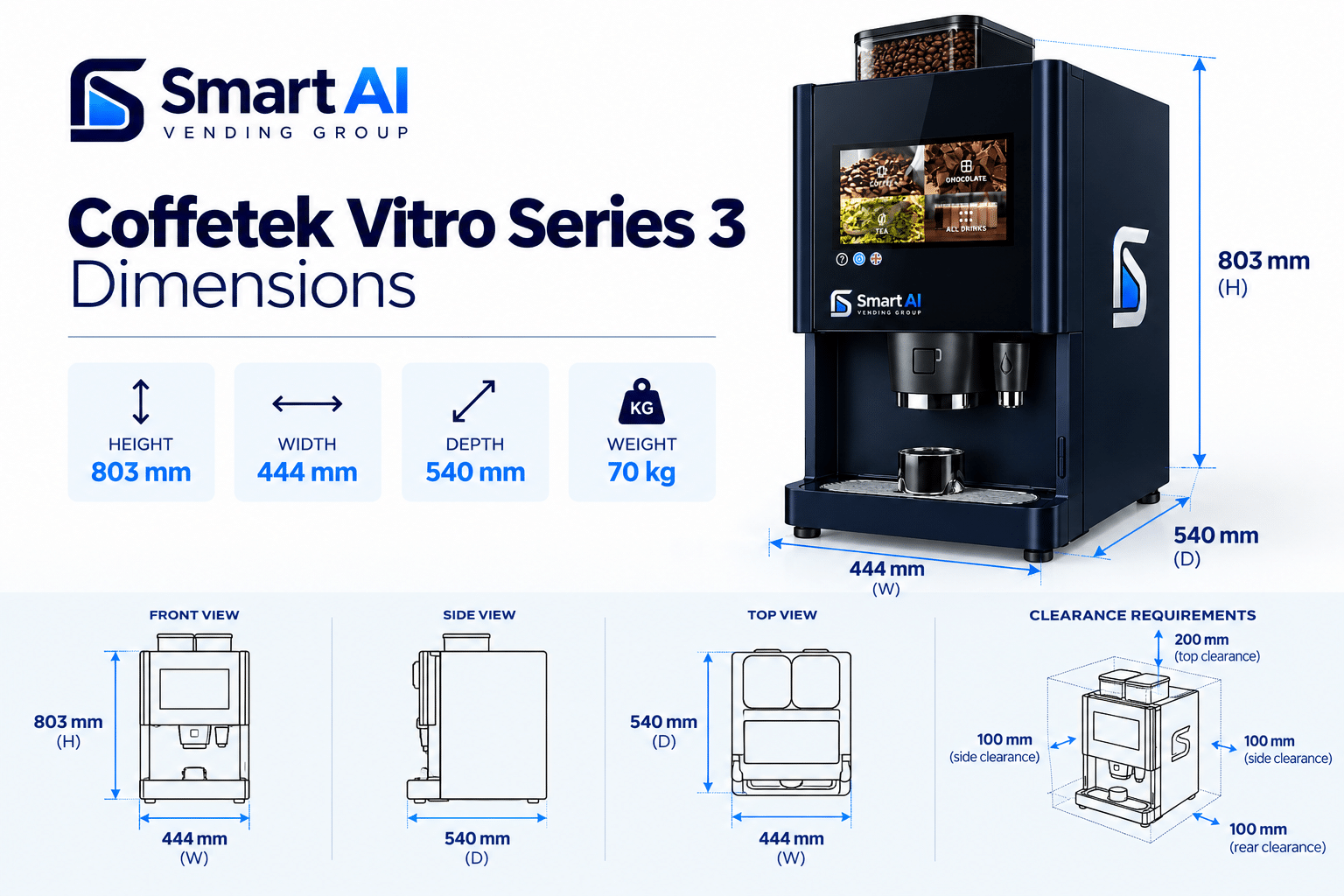
Specify the drinks menu, expected demand, water arrangements and space for ingredients and servicing. The proposed cashless and telemetry configuration needs approval, including the reader, activation and ongoing charges. This is a coffee-brewing system, not a computer-vision vending cabinet.
Is the payment and telemetry package standard on every machine?
No. The proposed connected build needs an agreed payment terminal, compatible telemetry hardware and active service arrangement. The website order should identify each included component and any ongoing charges.
Use the site-planning guidance, then check availability for your configuration with your location and intended product range.