
- Home
- Unattended Retail
- Self-Service Payment Kiosks
Self-Service Payment Kiosks
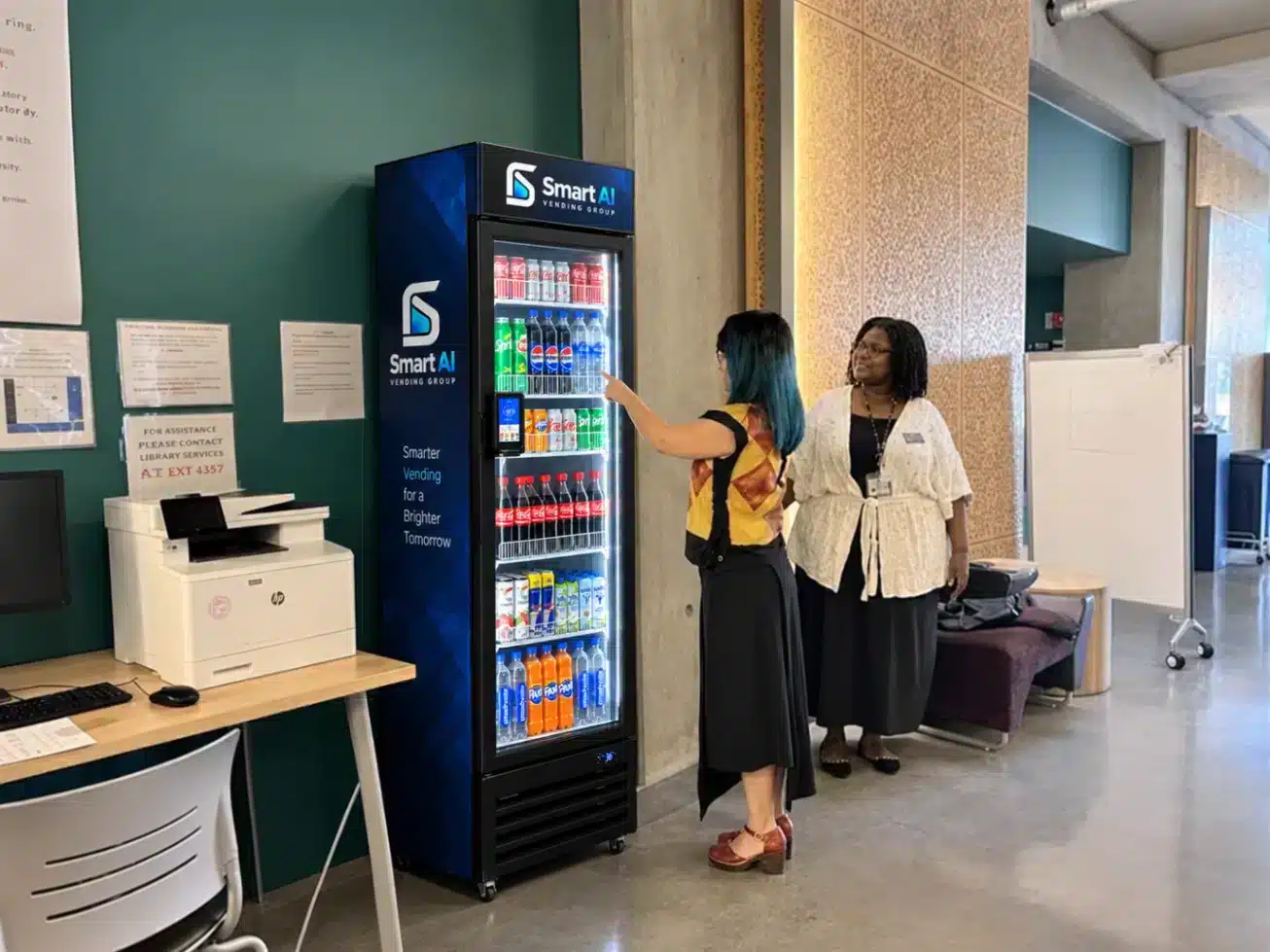
Create a dedicated self-service checkout for products chosen from nearby shelves, coolers or cabinets, with card and contactless payment options, fees and running costs confirmed for your site.
A Dedicated Checkout Point
Bring Self-Service Payment to Your Retail Area
A payment kiosk handles the checkout stage of the shopping journey. Place it where customers can find it easily, then confirm how products are scanned, paid for and recorded.

Clear Customer Journey
Give shoppers a clear place to scan and pay after choosing products.
Platform Compatibility
Check product records and supported connections before choosing a kiosk.

Payment Planning
Confirm accepted payment methods, provider terms and ongoing charges.
Simple Process
How to Plan Your Checkout Setup

Describe Your Retail
Share products, site type and user flow.

Check Compatibility
Confirm your retail platform and links.


Plan the Position
Review space, access, power and network.

Confirm Setup
Agree hardware, provider and fees.
CHECK BEFORE YOU CHOOSE
Match the Checkout
to Your Operation.
The kiosk, payment provider and retail software need to work together. Confirm the configuration and who handles each part of the setup before ordering.
For a wider retail project, compare our unattended retail formats. The checkout is one part of the overall layout and operating plan.
Three Checks Before Ordering
01
Products & Platform
Confirm how products, prices and barcodes are set up, and which integrations are supported.
02
Payments & Charges
Check payment methods, provider onboarding and a full breakdown of transaction and platform fees.
03
Connection & Support
Confirm network needs, what happens if the connection drops and who provides technical support.
BEFORE YOU REQUEST A QUOTE
Build Your Payment Kiosk Brief
Share what you already use and what the new checkout needs to do. Our buying guidance helps you prepare the wider brief.
Your Retail Environment
Describe the location, users, access hours and nearby shelves or coolers.
Your Products & Systems
Include your product range, retail software and any needed integrations.
Share the checkout space, customer access, mounting and power points.
Explain payment methods, current provider, budget and timing.
Common Questions
Payment Kiosk FAQs
Does a payment kiosk dispense products?
No. A payment kiosk is a checkout point for items picked from nearby shelves, coolers or cabinets. Product storage is planned separately.
Will it work with our existing retail software?
Compatibility depends on the kiosk, platform and supported integrations. Share your software and the functions you need so we can check them.
Which payment methods can customers use?
This depends on the hardware and payment provider. Confirm the card, contactless and mobile-wallet options you need in the proposal.
What happens if payment or connectivity fails?
Ask how the system handles interrupted payments or network loss, and confirm any offline capability. See our payments guidance.
How do I request a quote for a payment kiosk?
Share your site, expected users, product range, current software and payment needs, and we will review suitable checkout options with you.
Plan Your Self-Service Checkout
Tell us about your retail area, current systems and payment needs. We can help clarify the proposed setup and next step.