
In the vending machine vs kiosk debate, the simplest difference is this: a vending machine stores and dispenses products itself, while a self-service kiosk is a payment and ordering point that does not hold stock. A vending machine is a complete mini-shop in one cabinet. A kiosk lets customers order or pay for products that sit elsewhere, such as on open shelves in a micro market or behind a counter.
Both are part of unattended retail, and they often work together. This guide explains how they differ and when to use each.
Key Takeaways
- Vending machines hold, secure and dispense stock.
- Kiosks handle ordering and payment, not stock storage.
- Micro markets pair open shelves with a self-checkout kiosk.
- Smart AI vending machines include their own cashless payment.
- Your range, space and security needs decide the right option.
What Is a Vending Machine?
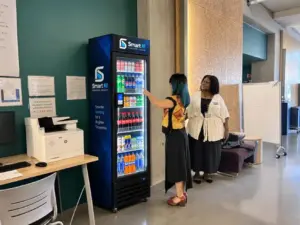
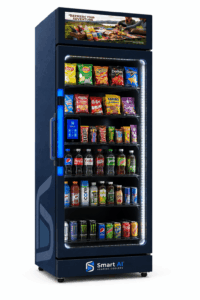
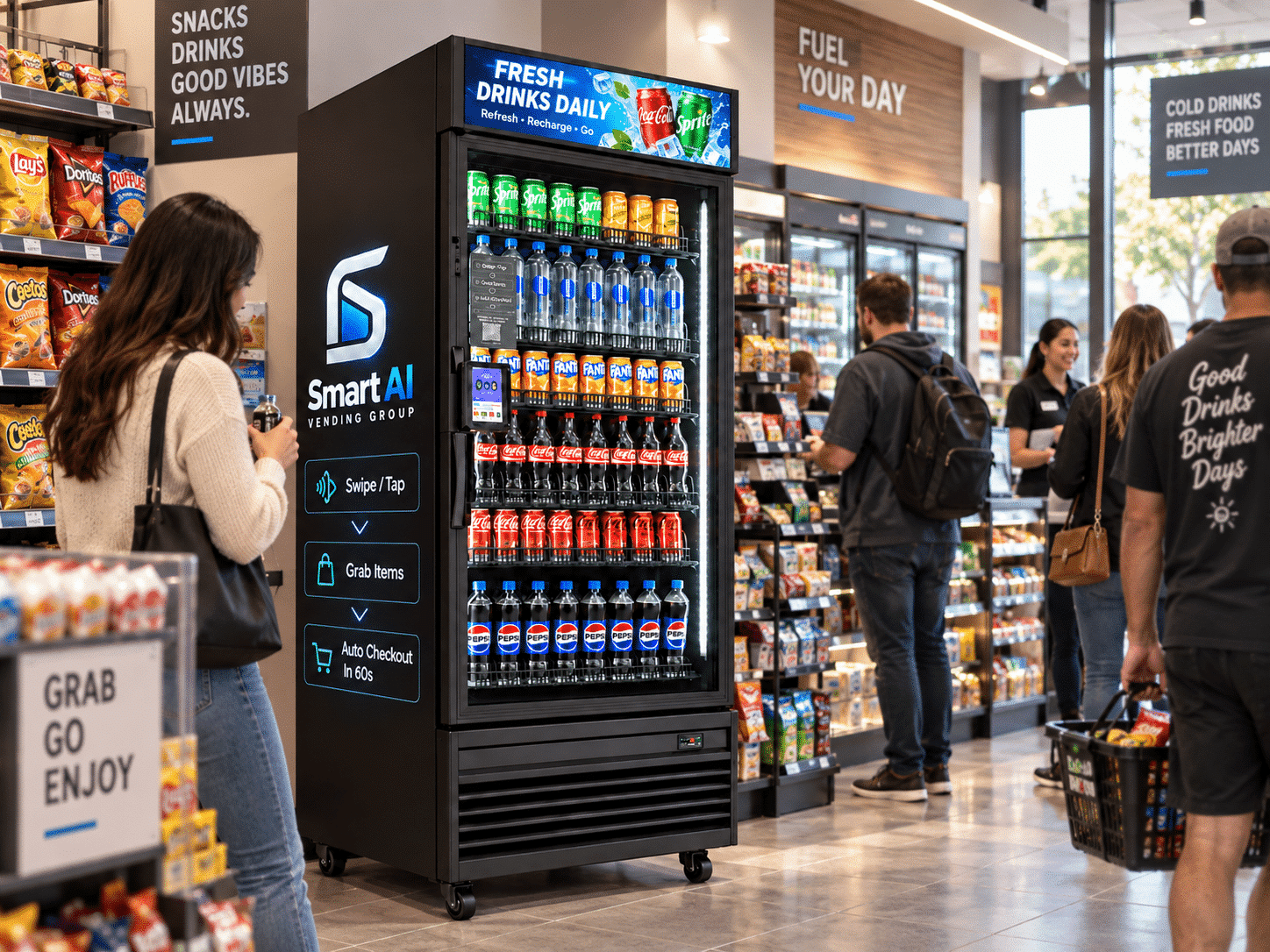
A vending machine is a self-contained unit that stores products, takes payment and releases items. Traditional machines dispense from spirals, while smart AI vending machines let customers unlock the door, take items and pay automatically. Our guide on how smart vending machines work explains the technology in detail.
What Is a Self-Service Kiosk?
A self-service kiosk is a touchscreen terminal where customers browse, order or pay. In retail, it is often a self-checkout: customers scan barcodes and tap a card or phone. In hospitality, kiosks take food orders that staff then prepare. Kiosks do not store or dispense products; they connect the customer to a payment or ordering system. See our self-service payment kiosks page for examples.
Vending Machine vs Kiosk: Comparison Table
| Factor | Vending machine | Self-service kiosk |
|---|---|---|
| Main purpose | Store, secure and sell products | Order and/or pay |
| Holds stock? | Yes | No |
| Typical setting | Offices, hotels, gyms, campuses, public areas | Micro markets, shops, cafés, restaurants |
| Security | Locked cabinet | Depends on the surrounding area |
| Payment | Built-in card reader, cashless on smart models | Card, phone, QR, staff account |
| Space | One cabinet | Small footprint, but stock needs shelving elsewhere |
| Staff involvement | Restocking only | Restocking or food preparation, depending on use |
How Kiosks and Vending Machines Work Together
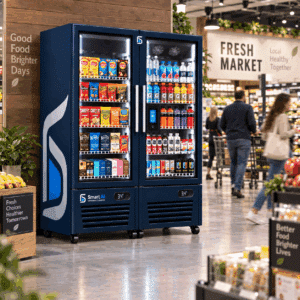
Many unattended retail set-ups combine both. A micro market uses a kiosk to check out items from open shelves and fridges, while a few smart vending machines nearby offer secure access to higher-value or age-sensitive items. A larger smart store may use several smart cabinets alongside a kiosk.
When to Choose a Vending Machine
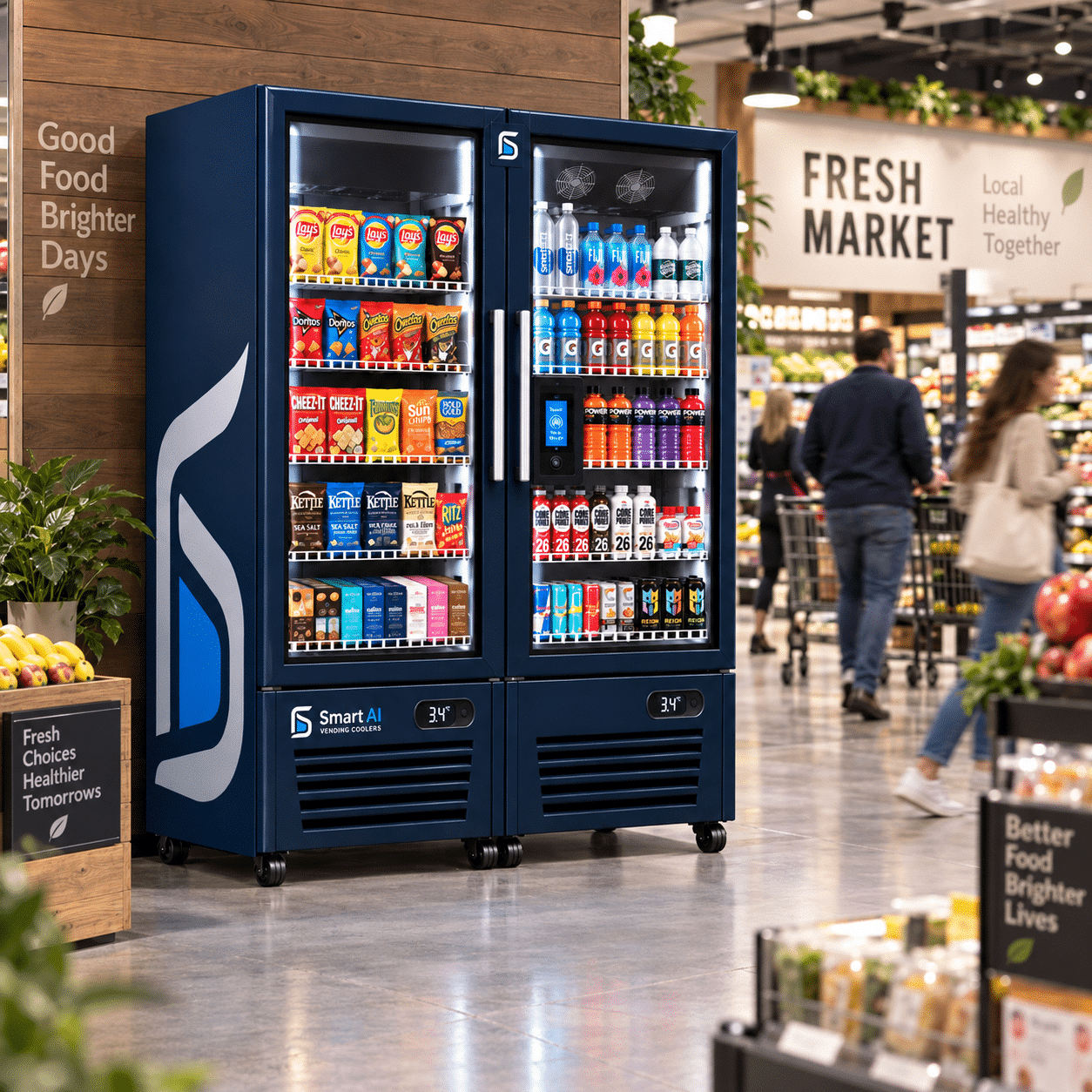
- you need a secure, all-in-one unit;
- the space is public or access is not controlled;
- you want a compact footprint;
- your range fits in one or two cabinets.
When to Choose a Kiosk
- you are building a micro market with open shelving;
- you want to replace or support a staffed till;
- you need ordering for prepared food;
- you want staff ID or account payments at checkout.
Cashless Payments: Vending vs Kiosk
Both options are increasingly cashless. Smart vending machines use a built-in contactless reader that pre-authorises the card on tap and charges the final basket when the door closes. Kiosks take payment for a scanned basket in one transaction. Many UK sites now prefer cashless set-ups because they remove cash handling and speed up purchases.
| Payment feature | Smart vending machine | Self-service kiosk |
|---|---|---|
| Contactless card | Yes | Yes |
| Phone wallets | Yes | Yes |
| Pre-authorisation | Usually, before door unlocks | Not usually needed |
| Staff accounts | On some systems | Common in workplace markets |
| Cash | Rare on smart models | Some kiosks offer cash modules |
Cost and Space Considerations
We do not publish generic prices because costs depend on hardware, software and set-up. As a rule of thumb, a vending machine is one piece of equipment with predictable space needs, while a kiosk-based set-up also needs shelving, fridges and possibly fit-out work. Our guide to smart vending machine cost explains how to compare quotes, and our accessories range covers add-ons such as card readers and stands.
Pros and Cons at a Glance
| Pros | Cons | |
|---|---|---|
| Vending machine | Secure, compact, all-in-one, fast to install | Limited range per cabinet |
| Self-service kiosk | Flexible, supports wide ranges and ordering | Needs secure area and separate stock fixtures |
Example Set-Ups
Office Breakout Area
A single smart vending cooler gives staff secure, all-hours access to drinks, snacks and chilled lunches. No kiosk is needed because payment is built into the machine.
Workplace Micro Market
A staff-only canteen uses open shelves, fridges and a self-checkout kiosk. Staff scan items and pay by card or staff account. A smart vending cabinet nearby holds higher-value items securely.
Hotel Lobby
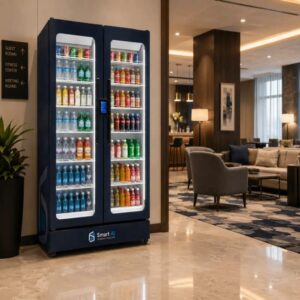
A premium smart cooler offers guests grab-and-go food and drinks at any hour. A payment kiosk at reception can handle other purchases, such as souvenirs or amenities, without staff on the desk.
Questions to Ask Before You Decide
- Is the space public, semi-public or staff-only?
- How wide a range do you want to offer?
- Do you need ordering for prepared food, or just payment?
- How much space and power is available?
- Who will restock, and how often?
- Do you need staff accounts, subsidies or loyalty?
Your answers usually point clearly to one option, or to a combination. For example, a secure staff area with a wide range suggests a kiosk-based micro market, while an open lobby suggests a smart vending machine.
Software and Reporting
Both vending machines and kiosks rely on cloud software. With smart vending, you see live stock in each cabinet, review orders and change prices remotely. With kiosks, you manage the product catalogue, prices and sales reports for the whole market. If you use both, ask whether they can report through one platform, as this saves time and gives you a clearer view of total sales. Our resources hub has more guidance on unattended retail technology.
Unattended Retail Terms Explained
These terms often come up when planning vending and kiosk projects:
- Unattended retail: selling products without staff at the point of sale
- Self-checkout: customers scan and pay for their own items
- Micro market: an unattended mini-shop with open shelves and a kiosk
- Smart vending: open-door cabinets that charge automatically for items taken
- Cashless: payment by card, phone wallet, QR or account rather than cash
- Telemetry: live data from machines and kiosks about sales and stock
Your Next Steps
If you are ready to move forward, these steps will help you go from research to a working installation with fewer surprises:
- Map the space and decide whether it is public or controlled.
- List your range and whether any items need secure storage.
- Decide whether you need ordering, payment or both.
- Compare software and reporting options.
- Request a site survey and itemised quote.
Our team can support you at each stage, from the first site survey to installation and aftercare. Browse our shop to see the machines we currently supply, or get in touch for tailored advice.
Security and Loss Prevention
Security is one of the clearest differences between the two options. A vending machine keeps stock locked inside, and a smart model only opens after a valid card authorisation, recording every session. A kiosk relies on the space around it, because products sit on open shelves. For kiosk-based set-ups, consider:
- controlled entry, such as staff ID door access;
- CCTV covering shelves and the checkout area;
- clear signage reminding users to scan every item;
- regular stock counts to spot losses early;
- keeping higher-value items in a locked smart vending cabinet.
Maintenance and Support
Both options need ongoing care. Vending machines need cleaning, restocking and occasional servicing of the lock, sensors or refrigeration. Kiosks need screen cleaning, software updates and checks on scanners and card readers. Before you buy, ask suppliers how they handle remote support, engineer visits and replacement parts. Our warranty and technical support page explains how we support the equipment we supply.
Whichever route you choose, write down who is responsible for cleaning, restocking, fault reporting and software updates. Clear ownership prevents small issues, such as a dirty scanner or an empty shelf, from turning into lost sales and frustrated users. A simple shared checklist and a named contact for faults are often enough for smaller sites, while larger set-ups may benefit from a formal service agreement with agreed response times.
Review those arrangements after the first few months of trading, once you can see real usage patterns, and adjust them as the site grows.
Frequently Asked Questions
Is a kiosk the same as a vending machine?
No. A vending machine stores and dispenses products, while a kiosk handles ordering and payment for products held elsewhere.
Can a kiosk be used with a vending machine?
Yes. Some unattended retail sites use kiosks for open-shelf items and smart vending machines for secure items in the same area.
Which is better for an office?
For smaller teams or open areas, a smart vending machine is usually simpler. For larger, secure workplaces wanting a wide range, a micro market with a kiosk can work well.
Do kiosks accept cashless payments?
Most do, including contactless cards and phone wallets. Some also support staff accounts or QR payments.
Conclusion
The vending machine vs kiosk choice depends on whether you need a secure, self-contained unit or a flexible checkout point for a wider range. Many sites benefit from both. Speak to our team and we will help you design the right unattended retail set-up.
Plan Your Unattended Retail Set-Up
Tell us about your space and products, and we will recommend vending machines, kiosks or a combination.